Sign in on your TV
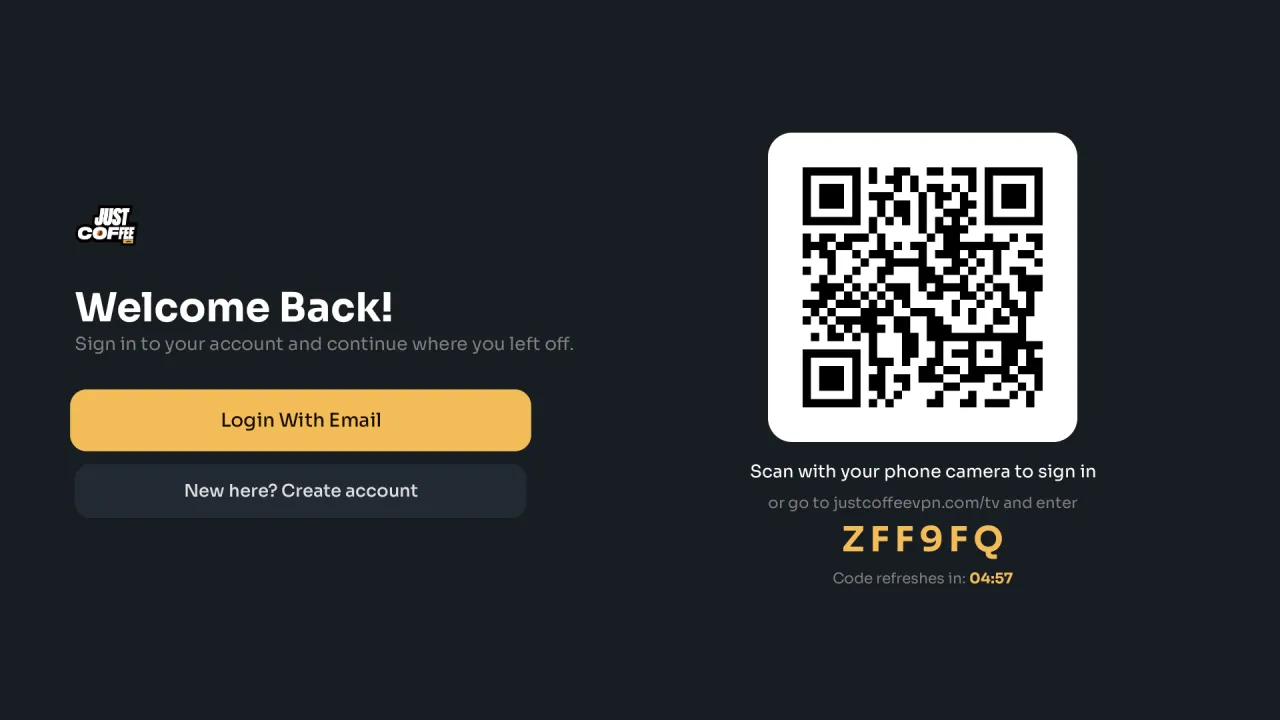
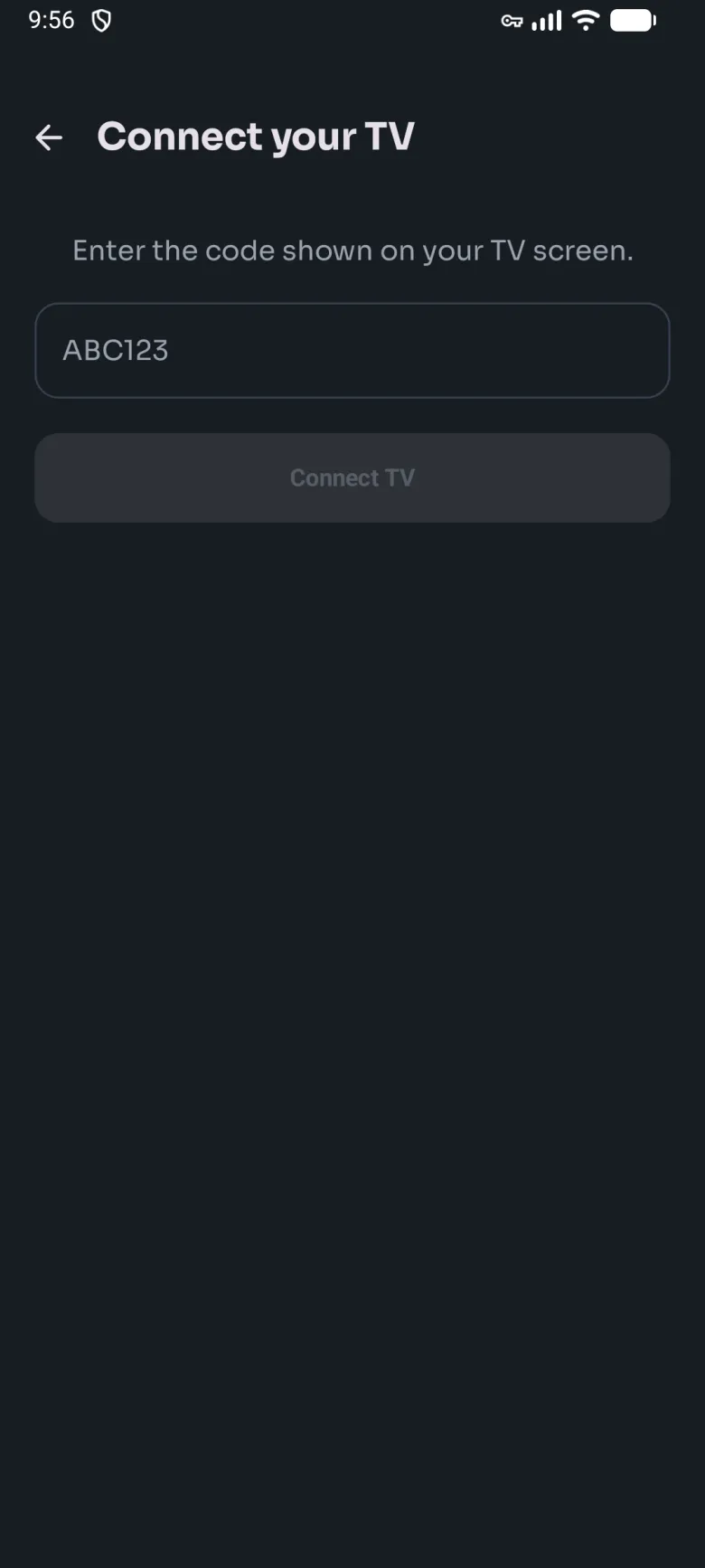
Scan the QR code on the TV with your phone, or enter the six character code here.
The TV shows a QR code and a six character code. Point your phone camera at the QR: it opens a page where you sign in, and the TV signs itself in within a few seconds.
No camera? Enter the code in the phone app under Settings, Account, Devices, Connect Device, or on the TV page of this website from any device. Or choose Login with email on the TV and type your details with the remote.
The code refreshes every five minutes. If the page says the code is invalid, read the fresh one off the TV.