Checking what the internet can see about you... Protect it
Account

Your devices

See every device signed into your account and sign any of them out.

In the app, Settings, Account, Devices lists every device signed into your account. You can sign other devices out there, or on this website.

Signing your TV in is done from the TV itself, by scanning its code with your phone.
Phone
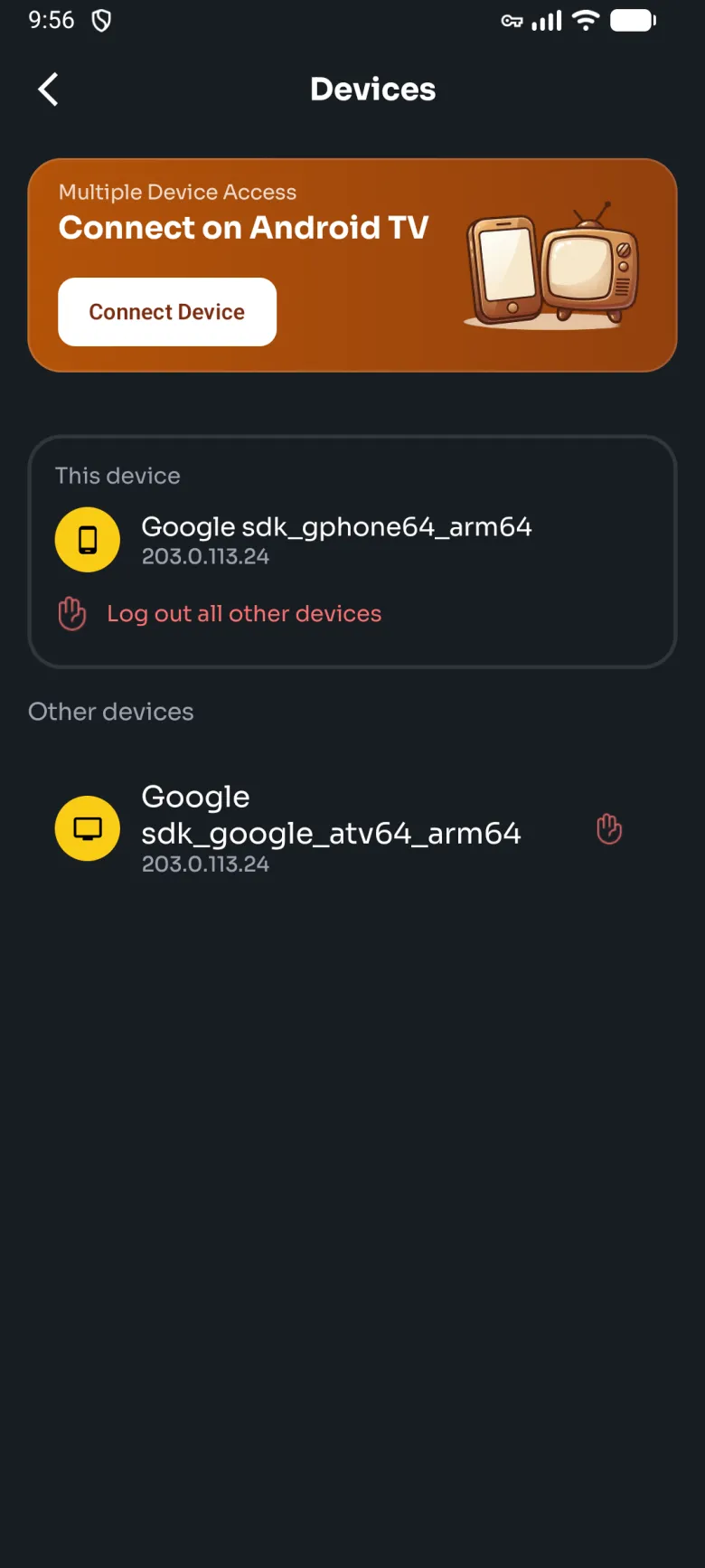
Devices on the phone: a Connect on Android TV banner with a Connect Device button, this phone with Log out all other devices, and a TV under Other devices.
Devices in the phone app.
TV
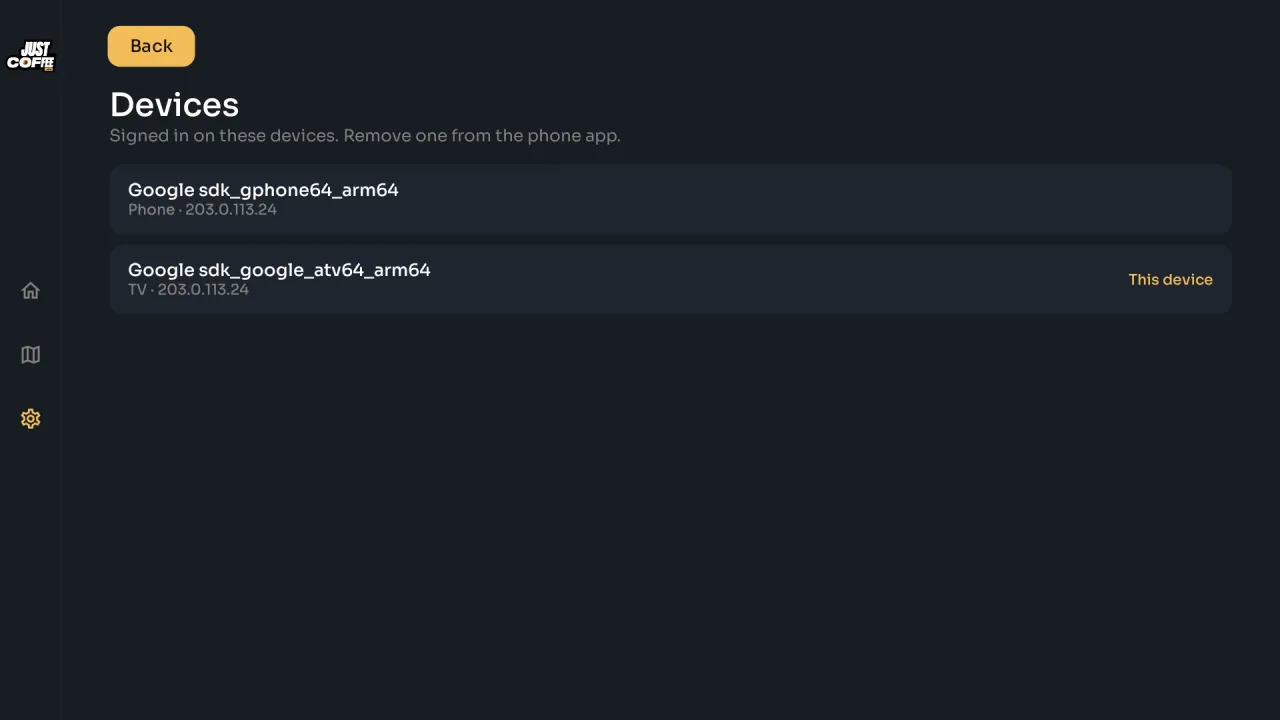
The TV's Devices page: a phone and this TV signed in to the account, with a note that devices are removed from the phone app.
On the TV, devices are listed; removing one is done from the phone or this website.
Manage your devices

Still stuck?

Most answers are a search away. If not, a person is. The barista answers in seconds and hands you to a human when you ask.